Virtual Tours
Real Estate Virtual Tours
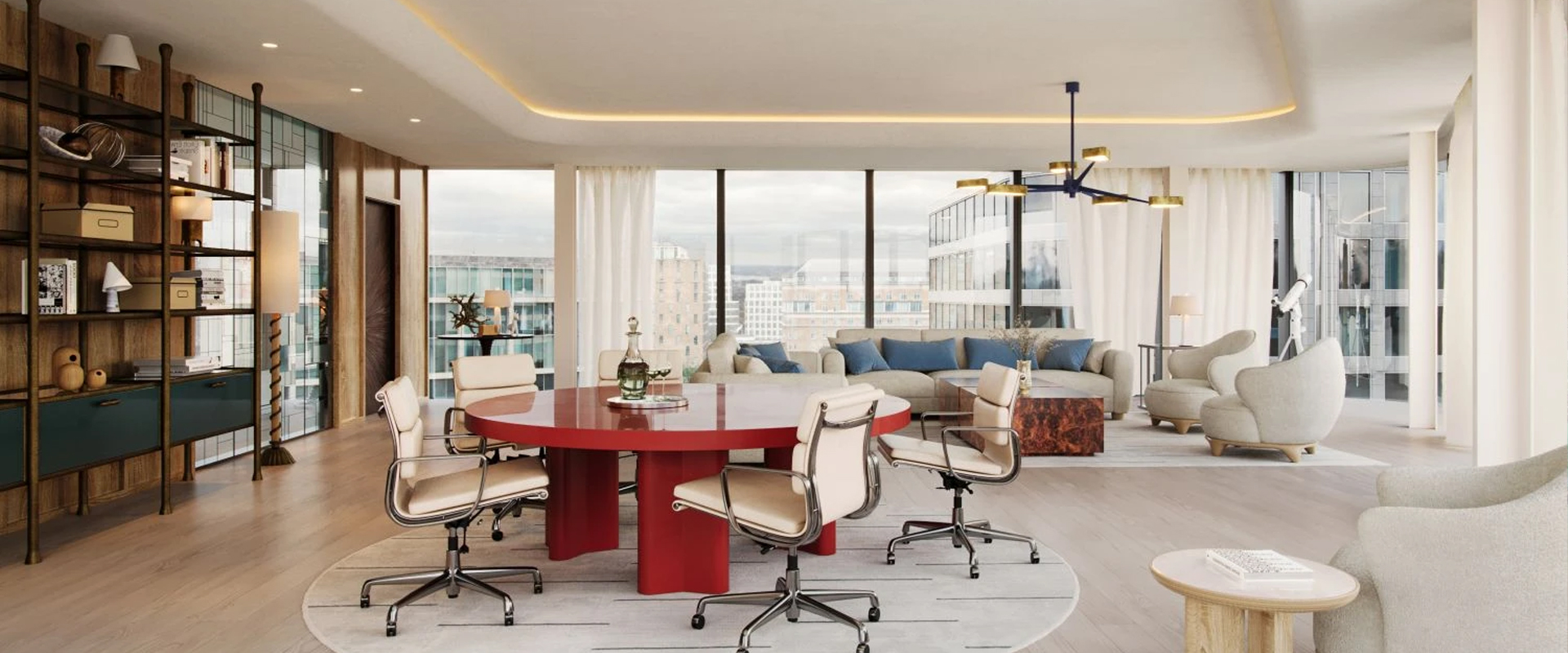
Let buyers explore residential and commercial properties from anywhere with immersive 360° tours, intuitive navigation and engaging property presentations.
What You Get
Bring Every Property to Life Online
Immersive 360° Views
Showcase living rooms, bedrooms, kitchens and amenities with interactive panoramic views.
Room-to-Room Navigation
Help viewers move naturally through the property using clickable hotspots.
Mobile-Friendly Tours
Present properties on phones, tablets and desktops without requiring a site visit.
Easy Property Sharing
Share a tour link with prospects or embed the experience on a property website.
Our Work
Real Estate Tour Gallery
Deliverables & Formats
What You Will Receive
| Deliverable | Format | Typical Output | Turnaround |
|---|---|---|---|
| 360° Panoramas | JPG / Web | Property spaces and rooms | By quotation |
| Interactive Tour | Web Link | Connected room navigation | By quotation |
| Information Hotspots | Within Tour | Room and feature details | By quotation |
| Website Integration | Embed Code | Property listing integration | By quotation |
| Preview Images | JPG / PNG | Property marketing previews | By quotation |
Our Process
A Simple 5-Step Process
1
Consultation
Discuss property type, spaces and tour goals.
2
360° Capture
Capture panoramas of the property and key amenities.
3
Tour Creation
Connect scenes and add intuitive navigation hotspots.
4
Review & Revisions
Check the tour and refine the presentation.
5
Final Delivery
Receive your shareable tour link and agreed assets.
FAQ
Frequently Asked Questions
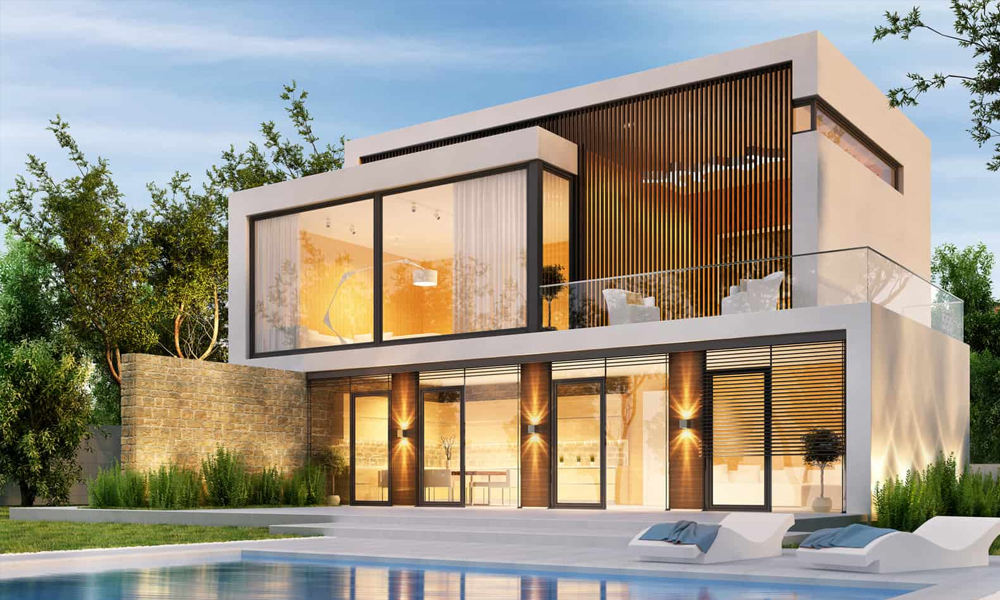
Virtual tours can be planned for apartments, villas, model homes,
residential developments, commercial spaces and property amenities.
A web-based tour can be viewed on a compatible phone, tablet or computer
through a browser. Special VR equipment is not required for standard viewing.
Website embedding can be included in the project scope, depending on the
hosting and tour platform selected.
Yes. Room navigation, feature labels and informational hotspots can be
planned based on your property presentation requirements.
The timeline depends on property size, number of scenes, capture
requirements and interactive features. The schedule is confirmed in the project quotation.